Contacts
One Garage — CAR REPAIR SERVICE
Kiltseva Road, Sofiivska Borshchahivka, Kyiv, 08131
Phone: +38 (095) 073-93-77
Email: carrepairservice.ua@gmail.com
Hours: Mon–Fri 9:00–19:00 • Sat 10:00–16:00

This page is a practical guide for Audi e-tron and Audi Q8 e-tron owners in Kyiv: how to perform a hard MMI reset, how to charge the car more conveniently, why the 12V battery still matters, how to preserve a healthy driving range and when you already need Audi e-tron diagnostics in Kyiv.
In real-world use, most everyday Audi e-tron problems are not a disaster. They usually follow familiar patterns: MMI freezes, the app behaves oddly, Audi e-tron is not charging, charging is slow, the car sat unused for a long time, winter consumption increased, CarPlay stopped working after a phone update, or strange electronic warnings appeared.
Below you will find a clear structure: basic actions, AC and DC charging, myAudi, winter use, long parking, brakes, regeneration, range and a checklist that genuinely helps in daily ownership. It also includes strong commercial SEO blocks: when Audi e-tron diagnostics in Kyiv are needed, when it is time to visit a workshop, and why specialized Audi e-tron service in Kyiv matters.
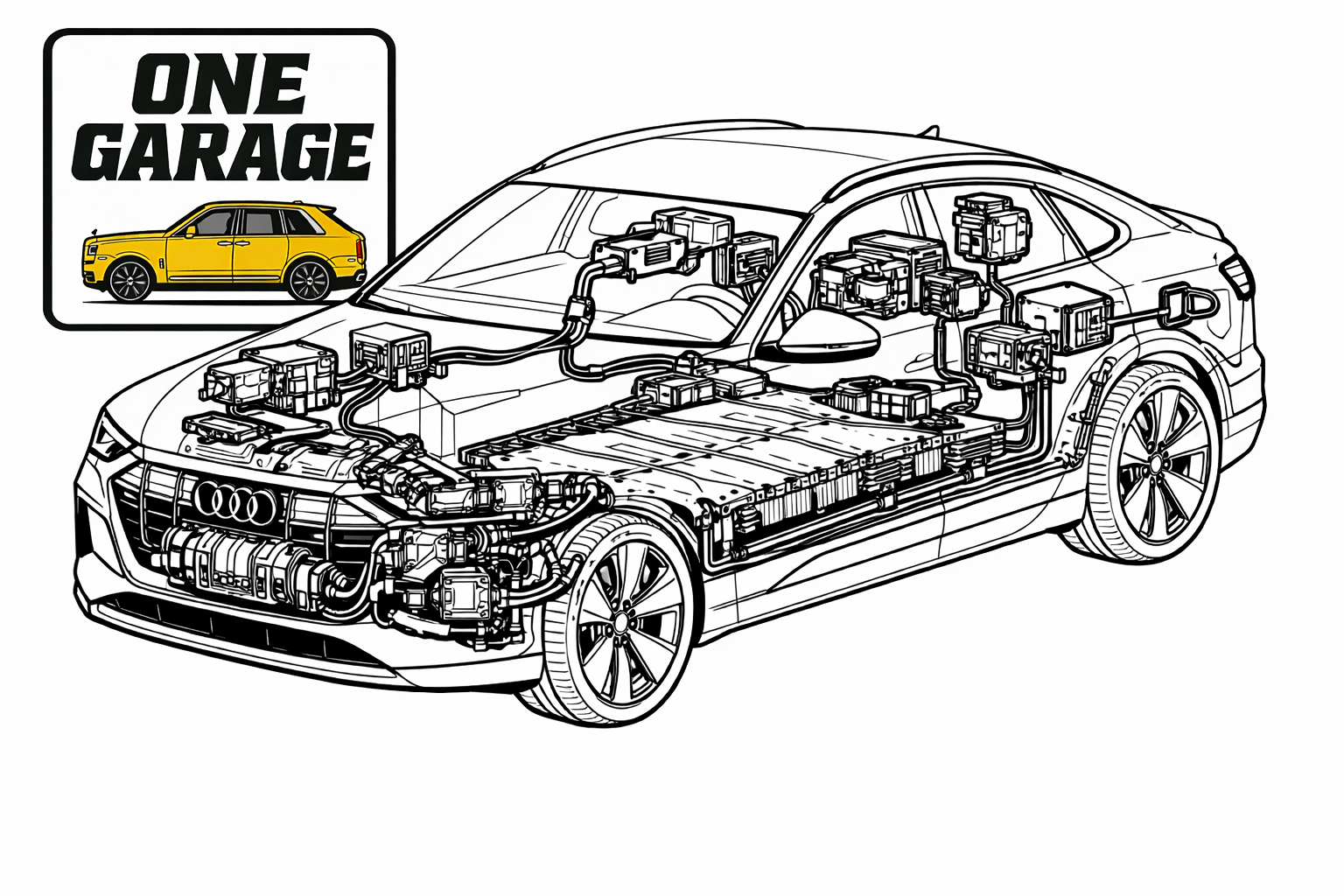
This page is designed as a practical Audi e-tron owner guide: less fluff, more real actions and habits that help in everyday operation.
If the screen freezes, audio disappears, the charging menu will not open, navigation stops responding or multimedia behaves strangely, the first thing to try is usually an MMI restart.
The first step when the screen freezes, menus disappear, or multimedia, navigation and smartphone connectivity act up.
Lock the car and leave it alone for a while. Some temporary faults disappear after a normal sleep cycle.
After an iPhone or Android update, the issue may be pairing, Wi‑Fi, Bluetooth or app reauthorization rather than the car itself.
The large traction battery makes it easy to assume every electrical issue is related to the HV system. In practice, many strange day-to-day Audi e-tron problems start with a weak or discharged 12V battery.
For everyday use, the easiest routine is to rely on home AC charging and use fast DC charging mainly for longer trips and when necessary.
This is the calmest and most predictable everyday scenario. The car charges overnight or at a convenient time without hunting for a free fast charger.
Great for highways and long-distance travel, but speed depends on battery temperature, state of charge and station capability.
There is usually no need to keep the battery at 100% every day. A full charge makes more sense before a longer drive.
| Factor | How it affects the car | What helps |
|---|---|---|
| High speed | The biggest driver of highway consumption | Keep a steady pace and avoid unnecessary acceleration |
| Cold weather | Reduces effective range | Preheat before departure and keep more reserve |
| Tire pressure | Affects rolling resistance | Maintain correct pressure |
| Climate and heaters | Increase trip energy use | Use preconditioning while plugged in |
In winter, comfort and efficiency depend even more on preparation before the trip. Preheating is not a luxury — it is a useful habit.
The app is useful for checking charge level, starting climate control, preparing the cabin and monitoring some daily functions.
After a smartphone update, connectivity issues are common. Removing the old pairing and reconnecting often fixes it.
If several drivers use the car, some strange settings and glitches may be linked to a specific profile rather than the vehicle itself.
Because of regeneration, the mechanical brakes are used less often but still need attention. A few firm brake applications can be beneficial.
Updates may fix MMI, charging and connectivity issues, but temporary oddities can also appear afterwards.
If the car will sit for a long time, leave it at a sensible charge level and remember that the 12V battery matters too.
If your Audi e-tron is not charging, electronics warnings appear, MMI works inconsistently, the 12V battery drops quickly or strange alerts show up after rain or long parking, it makes sense to do proper Audi e-tron diagnostics in Kyiv with an understanding of this model’s typical scenarios.
One of the most common search scenarios is Audi e-tron not charging, an Audi e-tron charging fault, or an electrical system fault message. The same symptom can point either to a relatively simple issue or to the need for proper diagnostics.
Usually, holding the Power/Volume knob on the center console until the screen goes black and the MMI restarts solves the issue.
For daily driving, that is usually unnecessary. A full charge is more practical before a longer trip.
It is often the reason behind strange electronic glitches, warnings and unstable system behavior after the car sits unused.
Check battery temperature, state of charge, station limits, charging settings and the general charging session conditions.
One Garage — CAR REPAIR SERVICE
Kiltseva Road, Sofiivska Borshchahivka, Kyiv, 08131
Phone: +38 (095) 073-93-77
Email: carrepairservice.ua@gmail.com
Hours: Mon–Fri 9:00–19:00 • Sat 10:00–16:00