Contact details
One Garage — CAR REPAIR SERVICE
Ring Road, Sofiivska Borshchahivka, Kyiv, 08131
Phone: +38 (095) 073-93-77
Email: carrepairservice.ua@gmail.com
Hours: Mon–Fri 9:00–19:00 • Sat 10:00–16:00

Searches like MMI reset Audi e-tron, Audi e-tron frozen screen or CarPlay not working often start with a simple interface issue, but repeatability usually means it is time to look deeper.
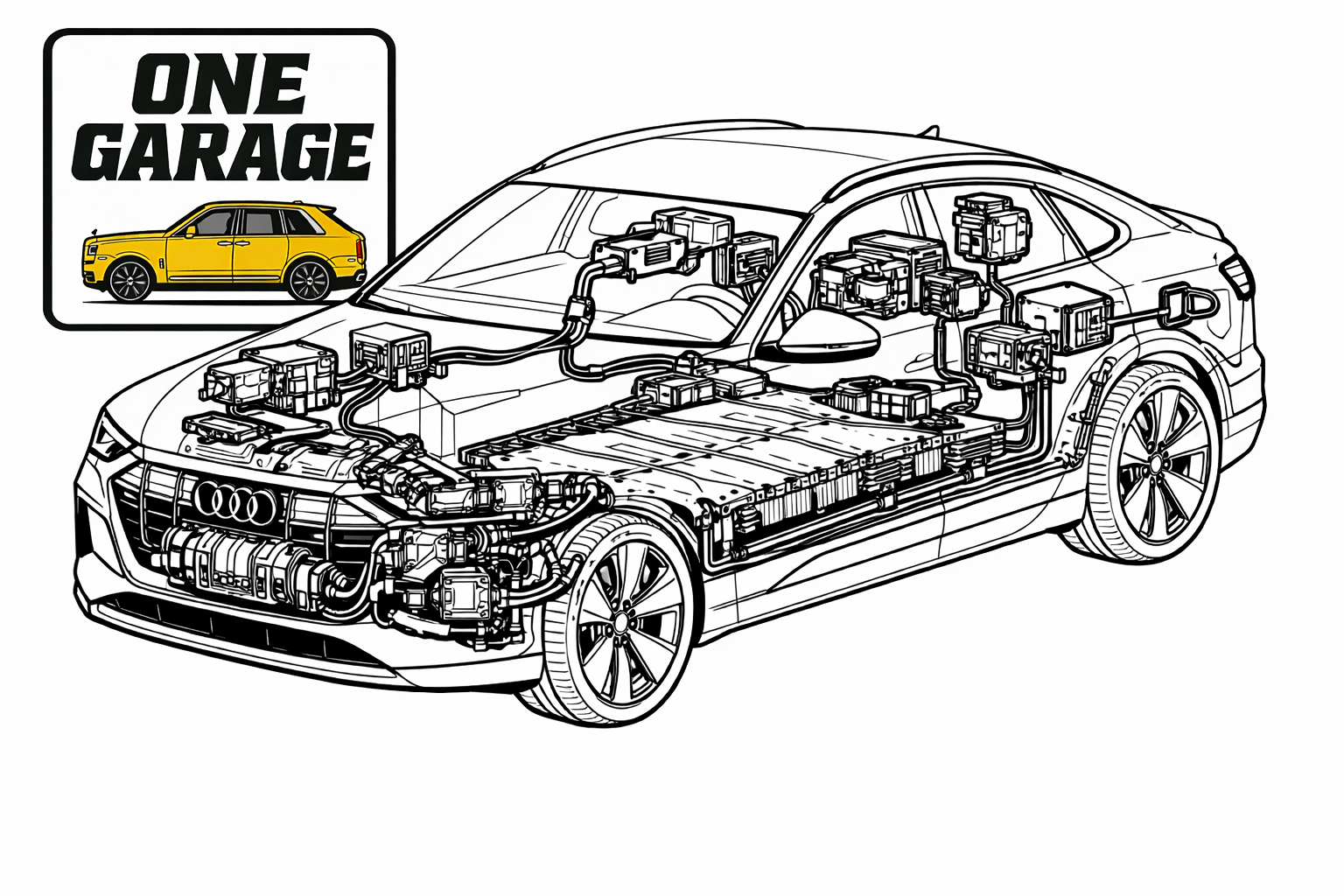
This page is strengthened for both commercial and informational Audi e-tron search intent in Kyiv.
A one-time restart is normal. But if the problem keeps coming back, it is worth checking the user profile, the phone, the app, updates, the 12V battery and other underlying electrical factors.
Press and hold the Power / Volume knob until the screen goes black and the system reboots.
Because the root cause may be deeper than the interface itself.
Yes, it can.
One Garage — CAR REPAIR SERVICE
Ring Road, Sofiivska Borshchahivka, Kyiv, 08131
Phone: +38 (095) 073-93-77
Email: carrepairservice.ua@gmail.com
Hours: Mon–Fri 9:00–19:00 • Sat 10:00–16:00